

The dployr dashboard
The dashboard is at app.dployr.io. Everything you need to deploy, monitor, and manage your cluster lives here.
Deploying a service
From the dashboard, click Deploy Service from the cluster overview or the services list. A panel opens with two ways to configure your deployment.
Quick Deploy
A form that walks you through every option. Pick your source, runtime, build and run commands, port, and name. You can configure environment variables and secrets inline before submitting. Good for one-off deploys and getting started.
Blueprint Editor
A code editor that lets you write your deployment config as YAML, JSON, or TOML. The editor stays in sync with the Quick Deploy form, so changes in one reflect in the other. If you paste or type a blueprint directly, the form updates automatically.
Blueprints are useful when you want to version your deployment config or reuse the same setup across multiple services. See Blueprints for the full field reference.
Services list
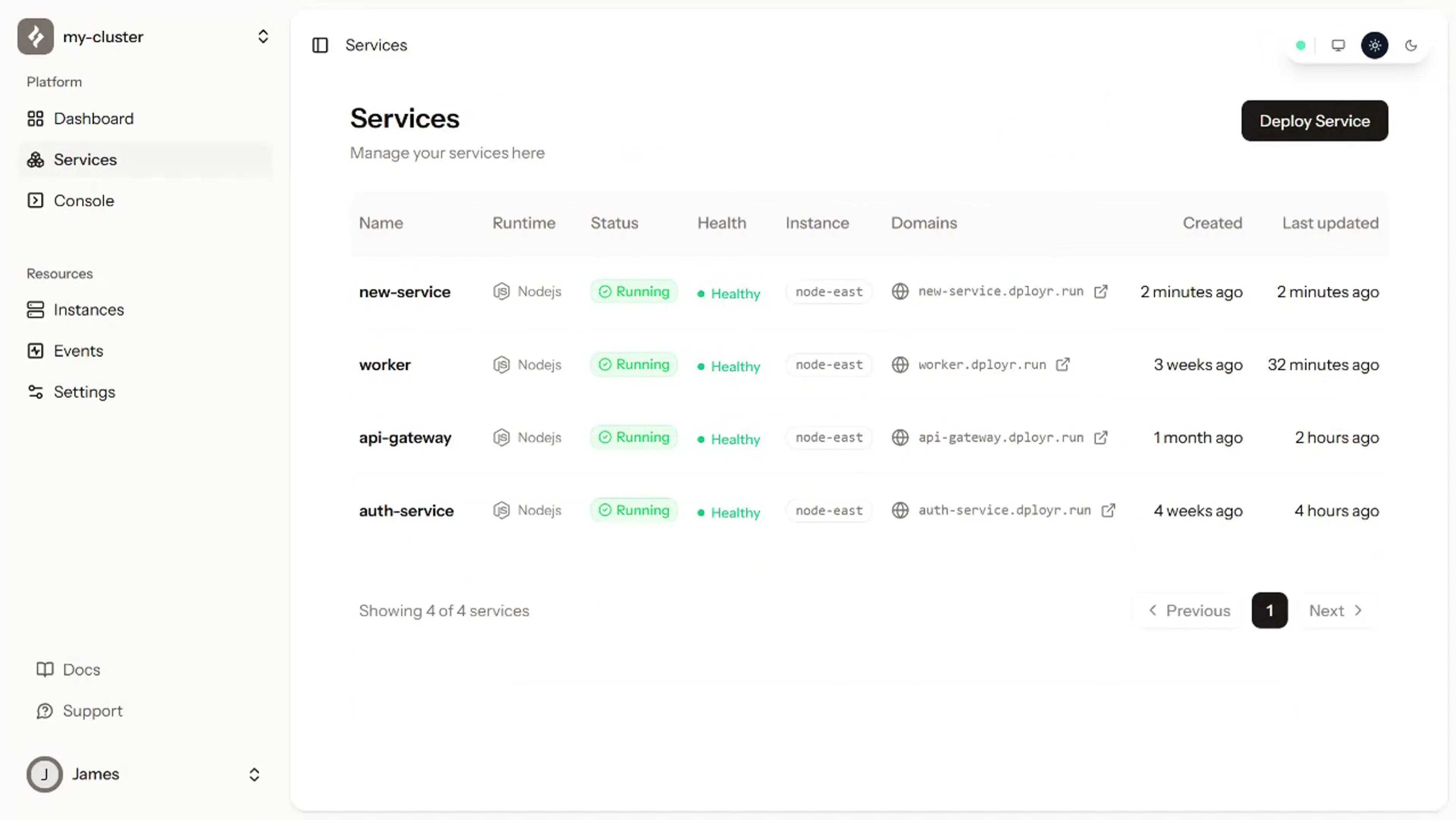
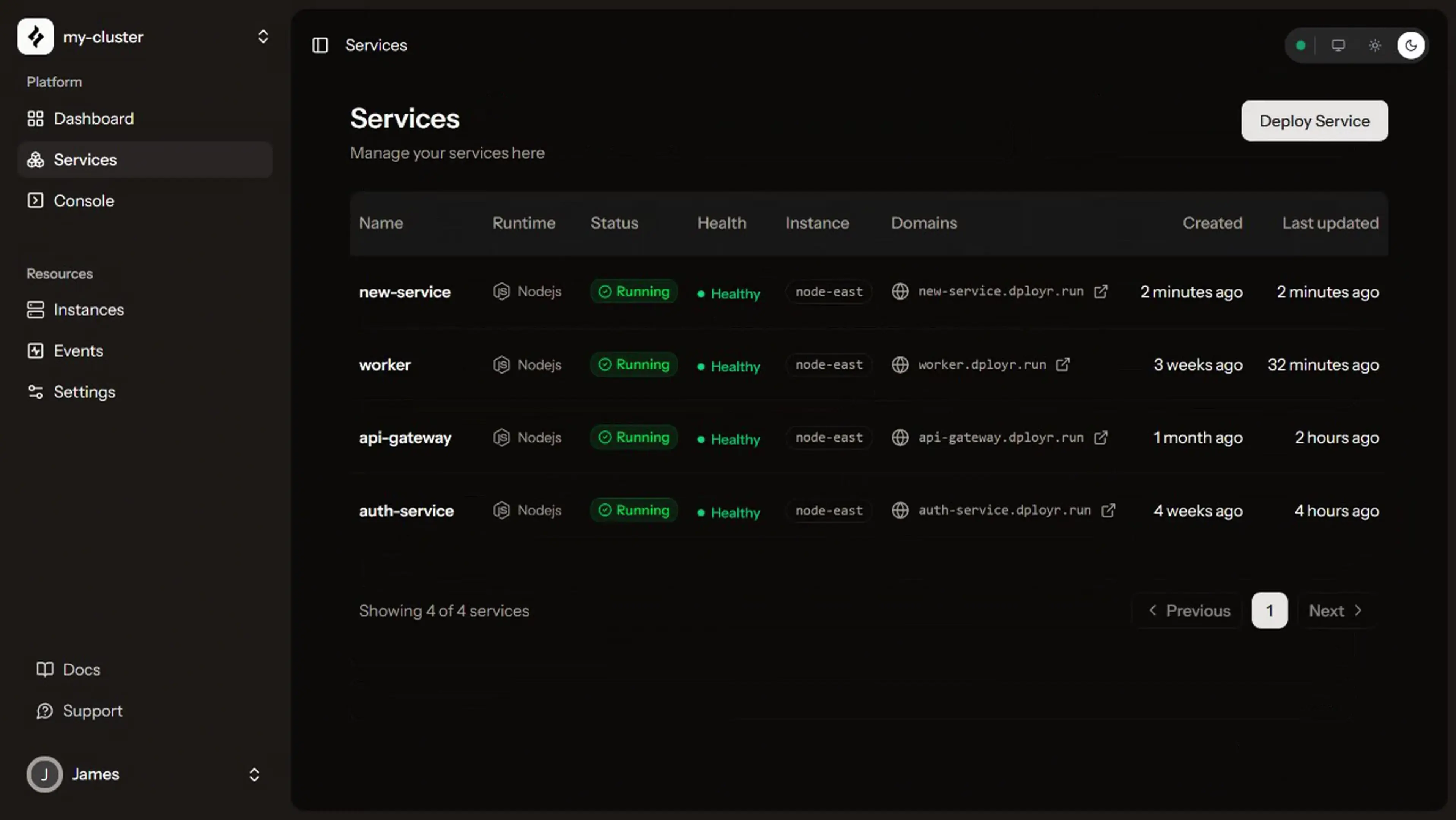
The services list shows every service in your cluster: name, runtime, status, health, the instance it's running on, and its domain. Click a service to open its detail view.
Service detail
Each service has four tabs.
Overview shows traffic metrics, request counts, and service metadata.
Logs streams live output from your service over WebSocket. Logs appear as they happen. You can scroll back through history or let it run in real time. If your service crashed, the reason is here.
Metrics shows CPU and memory usage over time.
Settings lets you update the service config: port, build and run commands, description. Changes take effect on the next deploy.
Live logs
Logs stream in real time from the Logs tab on any service. If your service crashed, the output is here. If the build failed, that's here too.
Console Pro
A full terminal on your server, right in the browser. No SSH keys, no open ports, nothing to set up.
File explorer Pro
Make a quick change on your server without SSH, a redeploy, or leaving the browser.